01
Account and product
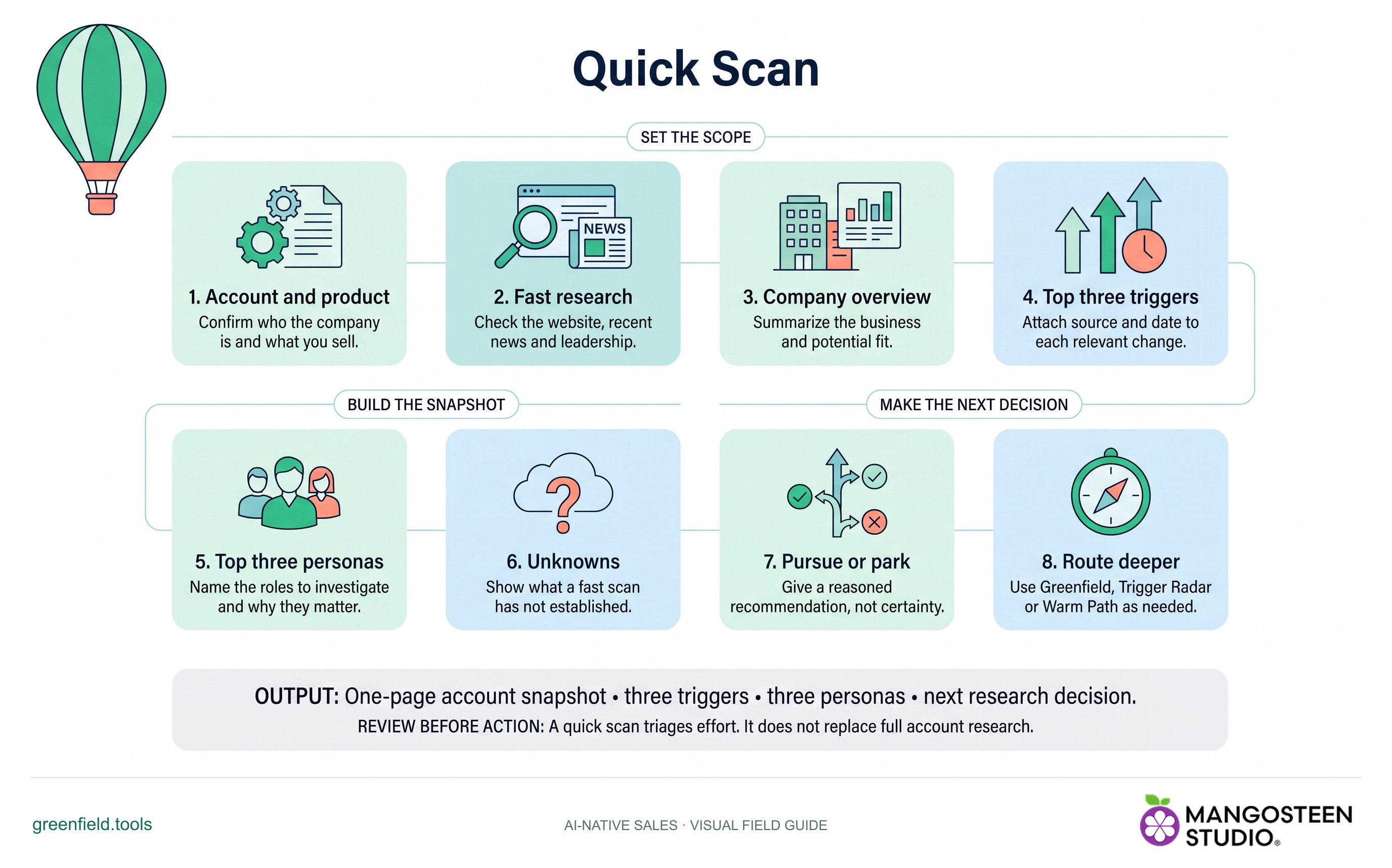
Confirm who the company is and what you sell.
Build a lightweight account snapshot with relevant triggers, target personas and a go/no-go recommendation.
Free skill instructions and resources. Your AI tools may have their own costs.
Explore the whole process, or take it one step at a time.
Confirm who the company is and what you sell.
Check the website, recent news and leadership.
Summarize the business and potential fit.
Attach source and date to each relevant change.
Name the roles to investigate and why they matter.
Show what a fast scan has not established.
Give a reasoned recommendation, not certainty.
Use Greenfield, Trigger Radar or Warm Path as needed.
Output: One-page account snapshot • three triggers • three personas • next research decision.
A quick scan triages effort. It does not replace full account research.
Confirm who the company is and what you sell.
Name the roles to investigate and why they matter.
Use Greenfield, Trigger Radar or Warm Path as needed.
greenfield/skills/quick-scan/SKILL.md. For chat-based planning, copy the instructions and provide your context.Use Quick Scan for my account. Use the context I provide and identify important gaps.Markdown includes the reference guides. The ZIP also preserves scripts, templates and example inputs where the skill uses them.
For Account Tiering, share your product, assigned account list, selling priorities and available time. For account research or review, share the target account, what you sell and any existing evidence or brief.
No automatic outreach or CRM changes follow the recommendation. Review the evidence and authorize any external action separately.