01
Write one relevant story
Use a buyer role, one concrete event and a documented product capability. Keep the opening recognizable and spend most of the runtime on the future workflow.
Plan and produce a short prospecting video that connects a buyer’s situation to a credible product-enabled future. Start with the story and evidence, then choose generation and assembly tools.
Free instructions and resources. Your AI tools and any paid video services are separate.
Explore the whole process, or take it one step at a time.
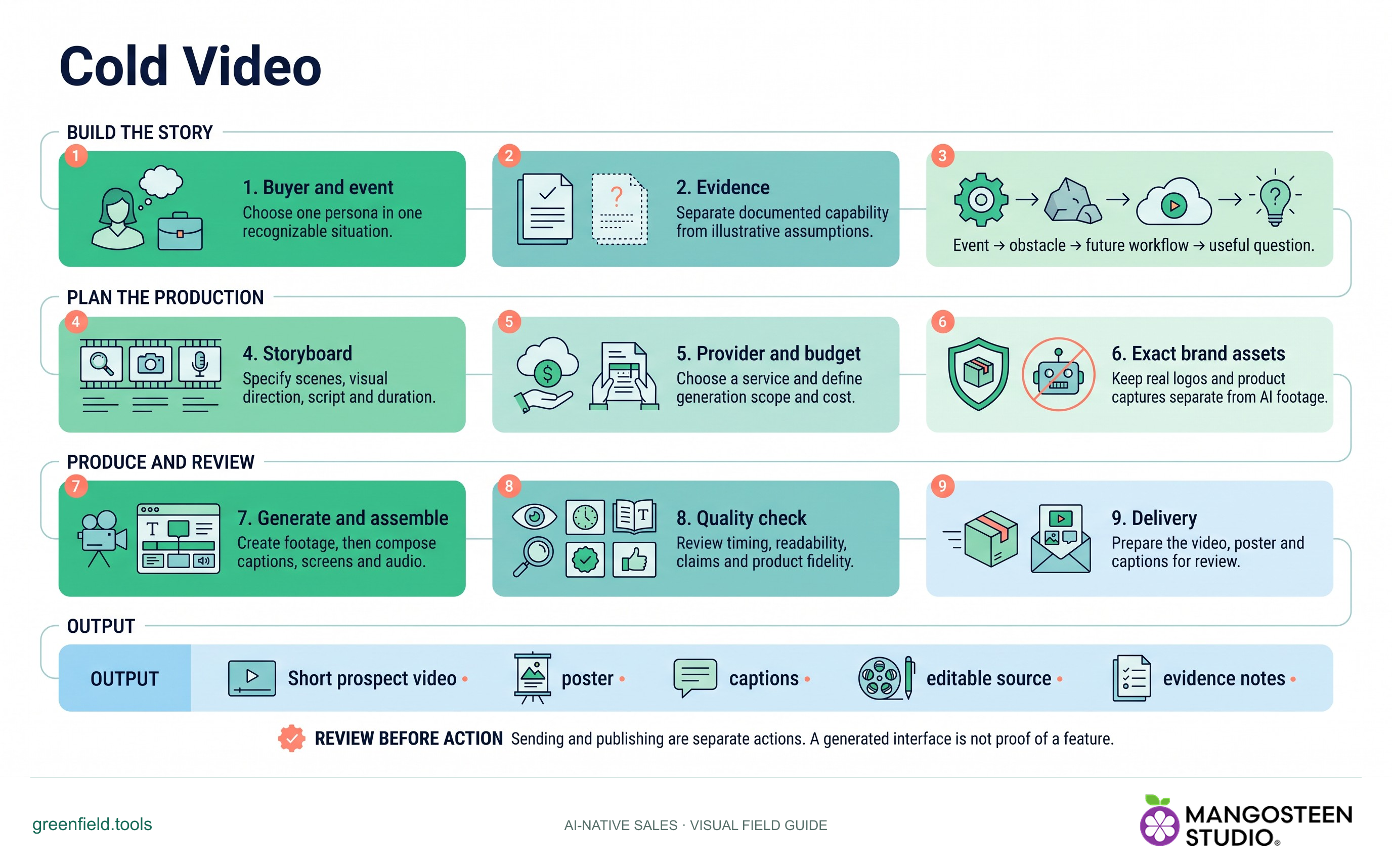
Choose one persona in one recognizable situation.
Separate documented capability from illustrative assumptions.
Event → obstacle → future workflow → useful question.
Specify scenes, visual direction, script and duration.
Choose a service and define generation scope and cost.
Keep real logos and product captures separate from AI footage.
Create footage, then compose captions, screens and audio.
Review timing, readability, claims and product fidelity.
Prepare the video, poster and captions for review.
Output: Short prospect video • poster • captions • editable source • evidence notes.
Sending and publishing are separate actions. A generated interface is not proof of a feature.
Use a buyer role, one concrete event and a documented product capability. Keep the opening recognizable and spend most of the runtime on the future workflow.
Build a storyboard, narration, draft captions, provider prompts and render specification. Confirm provider access, current pricing and a maximum spend before paid generation.
Generate approved footage, assemble it with accurate product captures, synchronize captions and inspect the final MP4. Hosting and sending remain separate actions.
SKILL.md. For chat-based planning, copy the instructions and provide your context.Use Cold Video for [product] and [buyer role]. Build a 45-second story about [one situation].Markdown includes the reference guides. The ZIP also preserves scripts, templates and example inputs where the skill uses them.
No. Runway, fal.ai or another paid provider requires your own access and an approved budget. The local preparation helper makes no API calls and spends no credits.
A reviewable storyboard, narration, draft captions, poster, render specification and provider plan. These are production inputs, not a finished video.
No. The skill can prepare outreach copy, but sending, hosting and tracking require their own authorization. It does not add tracking by default.