01
Verification
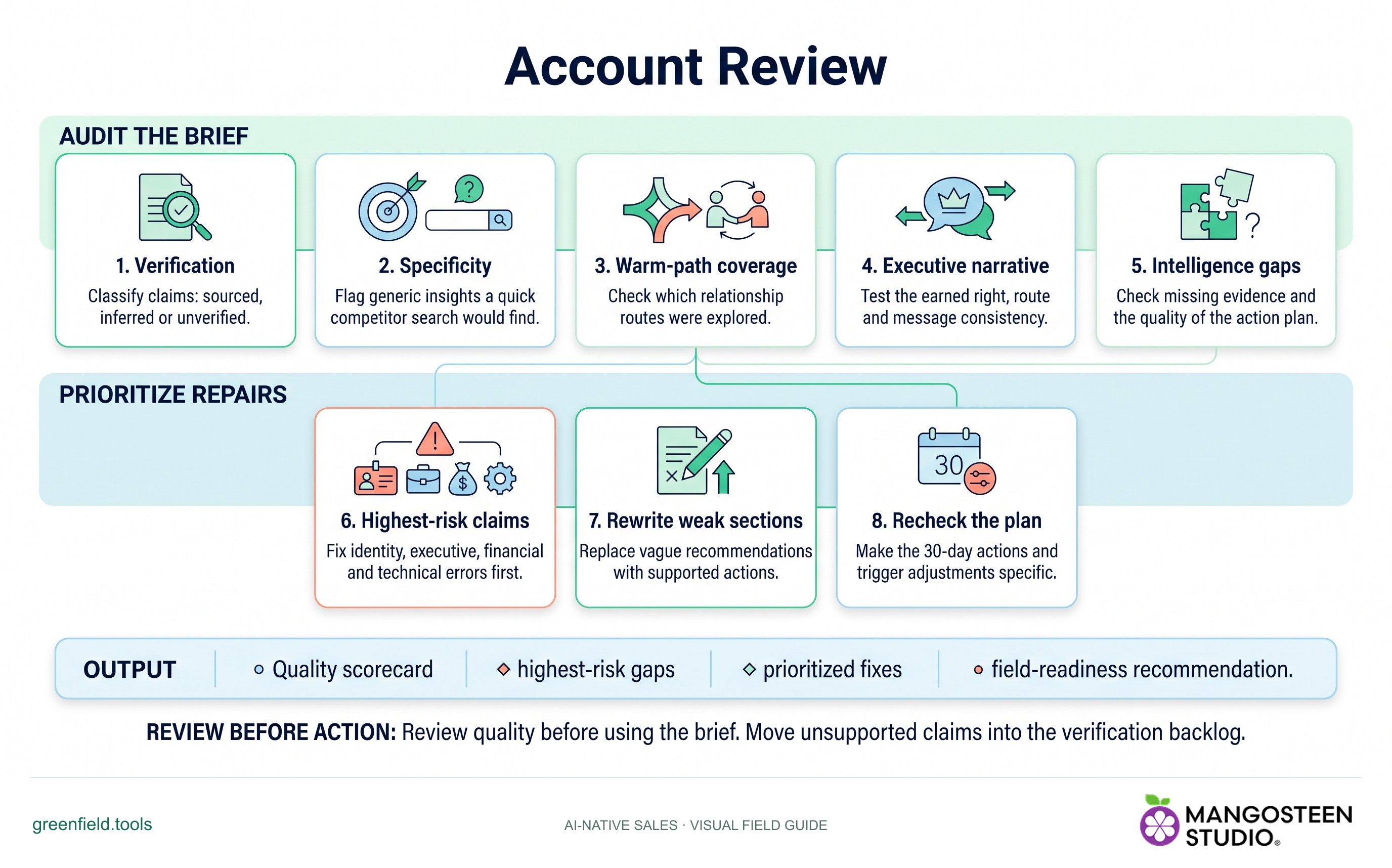
Classify claims: sourced, inferred or unverified.
Audit an existing Account Brief for gaps, unsupported claims, weak messaging and missing next actions.
Free skill instructions and resources. Your AI tools may have their own costs.
Explore the whole process, or take it one step at a time.
Classify claims: sourced, inferred or unverified.
Flag generic insights a quick competitor search would find.
Check which relationship routes were explored.
Test the earned right, route and message consistency.
Check missing evidence and the quality of the action plan.
Fix identity, executive, financial and technical errors first.
Replace vague recommendations with supported actions.
Make the 30-day actions and trigger adjustments specific.
Output: Quality scorecard • highest-risk gaps • prioritized fixes • field-readiness recommendation.
Review quality before using the brief. Move unsupported claims into the verification backlog.
Classify claims: sourced, inferred or unverified.
Check missing evidence and the quality of the action plan.
Make the 30-day actions and trigger adjustments specific.
greenfield/skills/account-review/SKILL.md. For chat-based planning, copy the instructions and provide your context.Use Account Review for my account. Use the context I provide and identify important gaps.Markdown includes the reference guides. The ZIP also preserves scripts, templates and example inputs where the skill uses them.
For Account Tiering, share your product, assigned account list, selling priorities and available time. For account research or review, share the target account, what you sell and any existing evidence or brief.
No automatic outreach or CRM changes follow the recommendation. Review the evidence and authorize any external action separately.