01
Set the objective
Confirm product, account book and selling capacity.
Prioritize prospects, customers and active deals using fit, evidence, obligations and the time you actually have.
Free skill instructions and resources. Your AI tools may have their own costs.
Explore the whole process, or take it one step at a time.
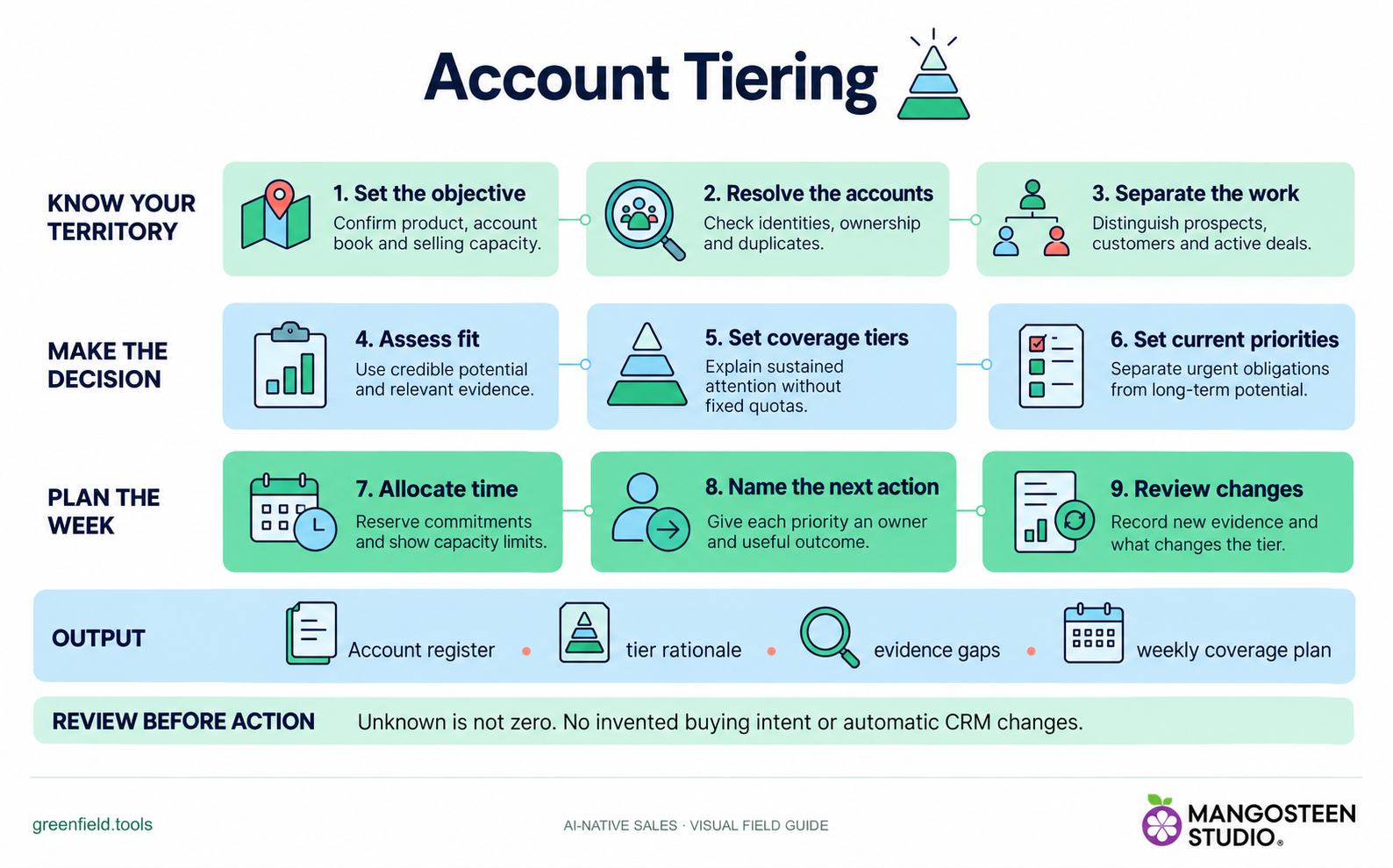
Confirm product, account book and selling capacity.
Check identities, ownership and duplicates.
Distinguish prospects, customers and active deals.
Use credible potential and relevant evidence.
Explain sustained attention without fixed quotas.
Separate urgent obligations from long-term potential.
Reserve commitments and show capacity limits.
Give each priority an owner and useful outcome.
Record new evidence and what changes the tier.
Output: Account register, tier rationale, evidence gaps and weekly coverage plan.
Unknown is not zero. No invented buying intent or automatic CRM changes.
Confirm product, account book and selling capacity.
Explain sustained attention without fixed quotas.
Record new evidence and what changes the tier.
SKILL.md. For chat-based planning, copy the instructions and provide your context.Use Account Tiering to prioritize my assigned AE territory. Here is my product, account list and weekly capacity.Markdown includes the reference guides. The ZIP also preserves scripts, templates and example inputs where the skill uses them.
For Account Tiering, share your product, assigned account list, selling priorities and available time. For account research or review, share the target account, what you sell and any existing evidence or brief.
No automatic outreach or CRM changes follow the recommendation. Review the evidence and authorize any external action separately.